
Since i have my Raspberry Pi Setup to take picture when it detect motion the next set is to get image detection working with AWS Rekognition.
I’ve never use AWS before and the amount of services AWS has is pretty scary. But with a little trial and error i managed to get this to work
Setup on the AWS side.
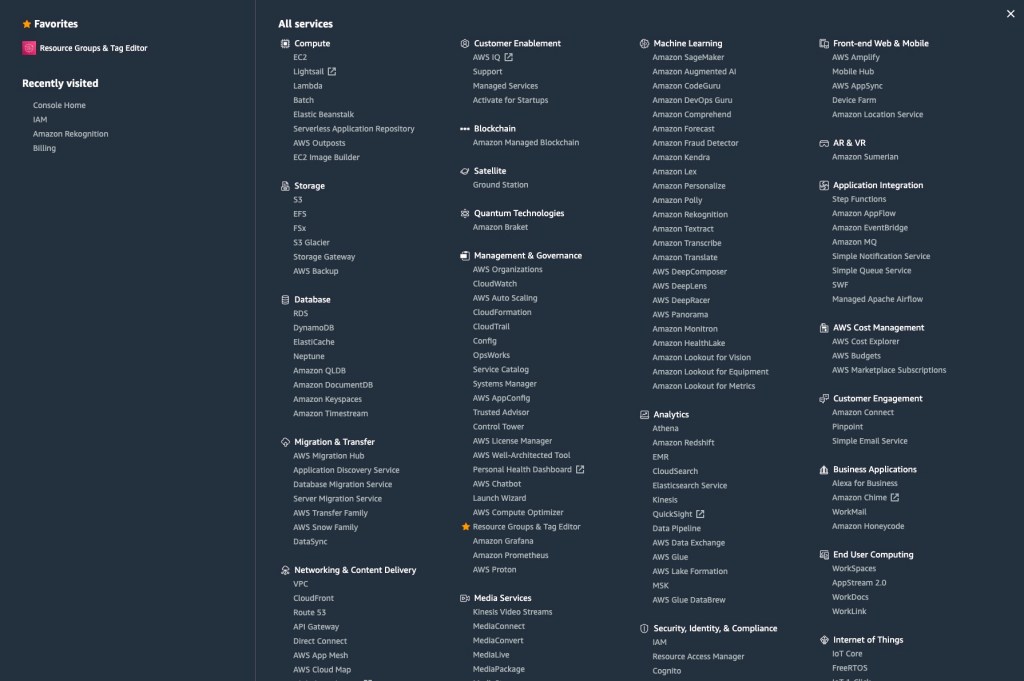
After you’ve created an AWS account the first step is to go to IAM. IAM is amazon Identity and Access Management and it is were we will be creating the user our python script will use to talk with Amazon.
You will want to click on Users, and then Add User.
This take you to the Add User page (1). where you will give you user a name. Also make sure to make this a Programmatic access user. This will give you the Token and Key needed to access AWS with a script
On Add User (2) you will want to click on Attach existing policies directly. This is where you’ll add the AWS policies you want to work with in this case we want to
- AmazonRekognitionFullAccess — this let you use Rekognition
- AmazonS3FullAccess — this let you storage images in S3. You don’t need this to use Rekognition, but i’m planing on possibly using some storage so i’m going to give the user this permissions
On Add user (3), Tag, you don’t need any tag and can move on to the review section
ON add User (4) You review that everything is correct, and step 5 will create the user. Make sure to download the CSV that contain your access key and secret key which will be needed to connect to AWS.
The Code
So before we try this on the Raspberry Pi, i wanted to run a quick test on my computer with an image i took my self. Just to make sure i have everything working
Lines 1-2 are the import we need. csv to read the credential file (MAKE sure you add this file to your .gitignore and not upload it to github), and boto3 which is aws for python library
Lines 4-8 read in the credentials csv and create variable of the 2 key we need
Line 10 is my test image i’m using that i took at a park
Line 11-14 is our connection to AWS, we need to pass in the service we want to use rekognition, our 2 keys, and what region we want to us. Since i’m in California i’m going to use us-west-2 as it the nearest to me.
Line 15-16. AWS require the image either be sent as bytes or in an s3 bucket. These 2 lines covert an jpg in to bytes that rekognition will be able to use
Line 18 we pass the image to AWS rekognition api detect labels. This call will look at the image and return a list of all Objects it see in the image and return the Confidence it see that object.
Line 19-20 print the output in a nice format so we can see it.
import csv
import boto3

with open('new_user_credentials.csv', 'r') as input:
    csvreader = csv.DictReader(input)
    for row in csvreader:
        access_key_id = row['Access key ID']
        secret_key = row['Secret access key']

photo = 'IMG_1733.JPG'
client = boto3.client('rekognition',
                      aws_access_key_id=access_key_id,
                      aws_secret_access_key=secret_key,
                      region_name='us-west-2')
with open(photo, 'rb') as source_photo:
    source_bytes = source_photo.read()

response = client.detect_labels(Image={'Bytes': source_bytes})
for each in response['Labels']:
    print(each['Name'] + ": " + str(each['Confidence']))
Running the Code
This is the image i used from a park near my house.

Running the script it worked!!! And the result are also are correct.
carchi (0.2) Rasberry-pi-detector $ python imageDectect.py
Park: 98.13013458251953
Grass: 98.13013458251953
Outdoors: 98.13013458251953
Plant: 98.13013458251953
Lawn: 98.13013458251953
Play Area: 94.5434341430664
Playground: 94.5434341430664
Gate: 86.05298614501953
Vegetation: 74.56444549560547
Outdoor Play Area: 71.62348175048828
Tree: 70.79766082763672
Land: 56.19661331176758
Nature: 56.19661331176758
You can download the code from my github repo off the 0.2 branch
Next Steps
Next steps in this project will be to put this script and the previous Raspberry pi script together. So what when the Raspberry detection motion it will take an image, send it to aws and get the results.
 carchi8py